
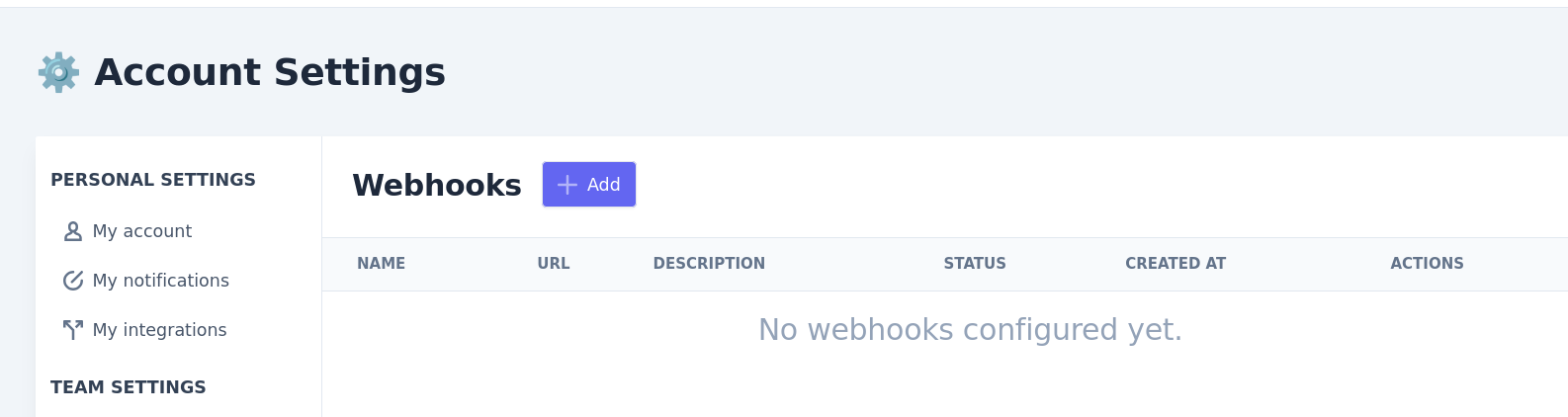
To add a webhook endpoint, head to https://app.leexi.ai/en/settings/webhooks and click on Add
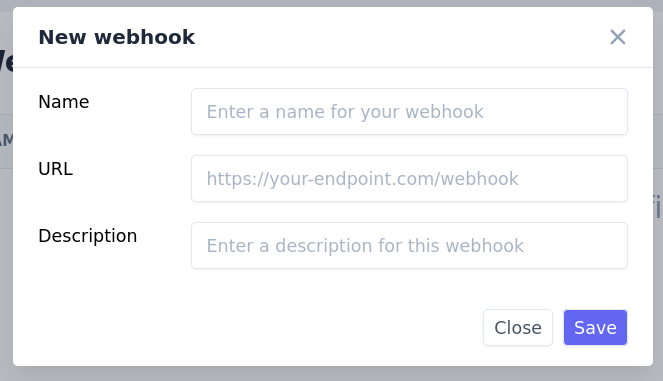
Complete the Name, URL and Description for your webhook, and Save
The webhook will only activate after we have sent your endpoint a test event and received a valid (20X) HTTP response. You may try reactivating the webhook once your endpoint is up and running.
Currently we only send a singly type of events: call.processed
Call access scope
Each webhook has a call access scope that controls which calls it receives events for. By default — and for every webhook created before this feature — a webhook receives events for all of the company's calls, so existing integrations are unaffected. An admin can instead link a webhook to a specific user (it then only receives events for calls that user can access) or restrict it through access rules. The access scope is configured from the webhook settings.